
Every serverless versus containers debate I've sat through eventually reaches the same sentence: "but Lambda is basically free." Someone says...
Every serverless versus containers debate I’ve sat through eventually reaches the same sentence: “but Lambda is basically free.” Someone says it, half the room nods, and the architecture is decided before anyone has opened a pricing page.
The reflex runs in both directions. The serverless camp quotes the free tier and the pennies-per-million-requests headline. The containers camp quotes the horror stories about surprise bills and declares that a Fargate task you can reason about beats a function you can’t. Both camps are arguing with folklore, and folklore doesn’t pay the invoice.
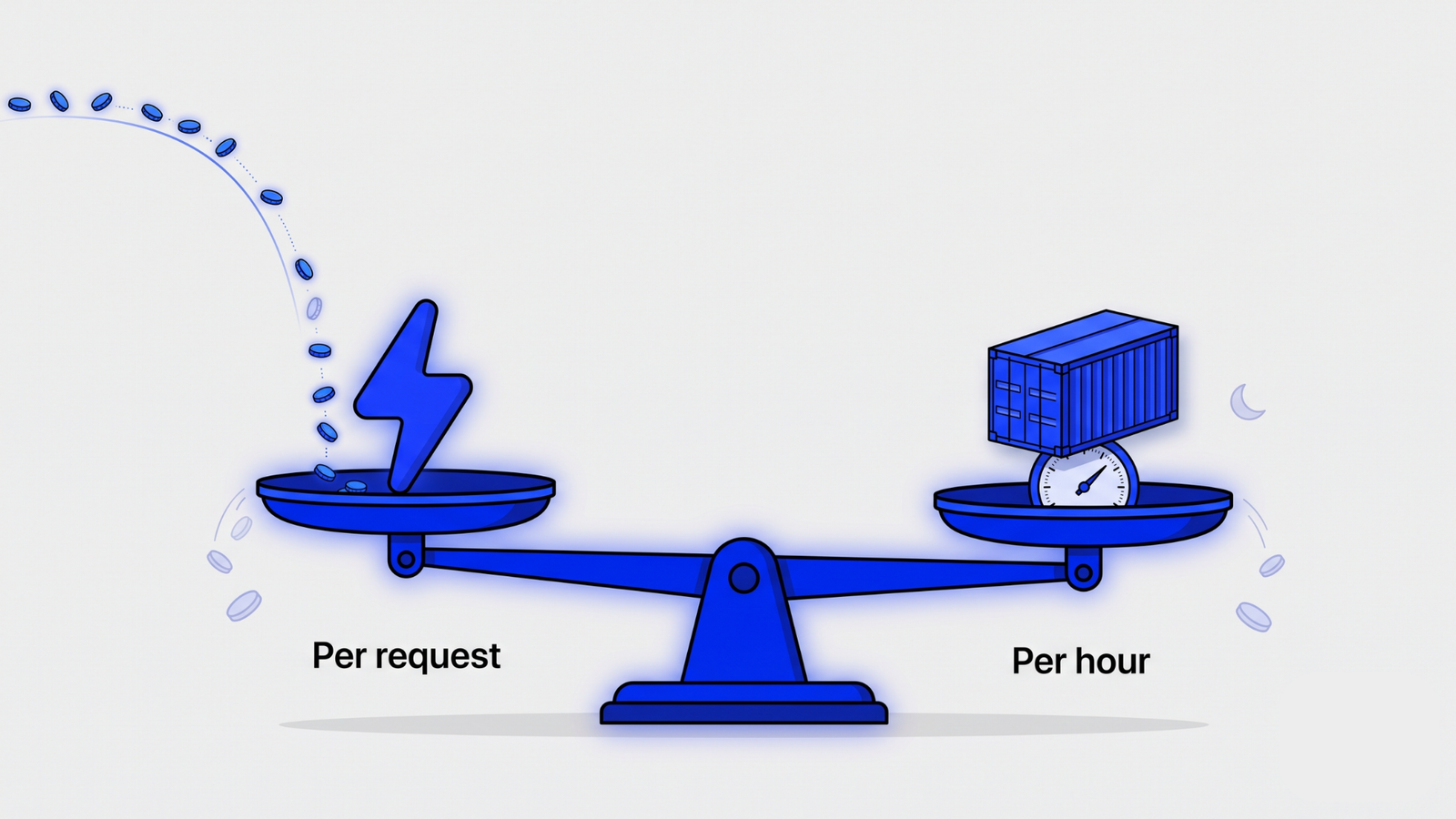
My narrower point is this: the honest comparison isn’t Lambda versus Fargate as products. It’s a per-execution billing model versus a per-provisioned-hour billing model, and the variable that decides between them is duty cycle, the share of time your service is doing real work. Everything below uses published us-east-1 rates as of early July 2026. AWS moves prices, so treat the arithmetic as a method and re-check the rate cards before you budget.
AWS services you’re probably overpaying for → Blog 8: AWS Services You’re Paying For and Probably Don’t Need.
Key takeaways
- Lambda bills per execution; Fargate bills per provisioned hour. Duty cycle, the share of time your service does real work, decides which model is cheaper.
- At published us-east-1 rates, fully utilized Lambda compute costs roughly twice the equivalent Fargate task. Below roughly half utilization, Lambda wins on raw compute.
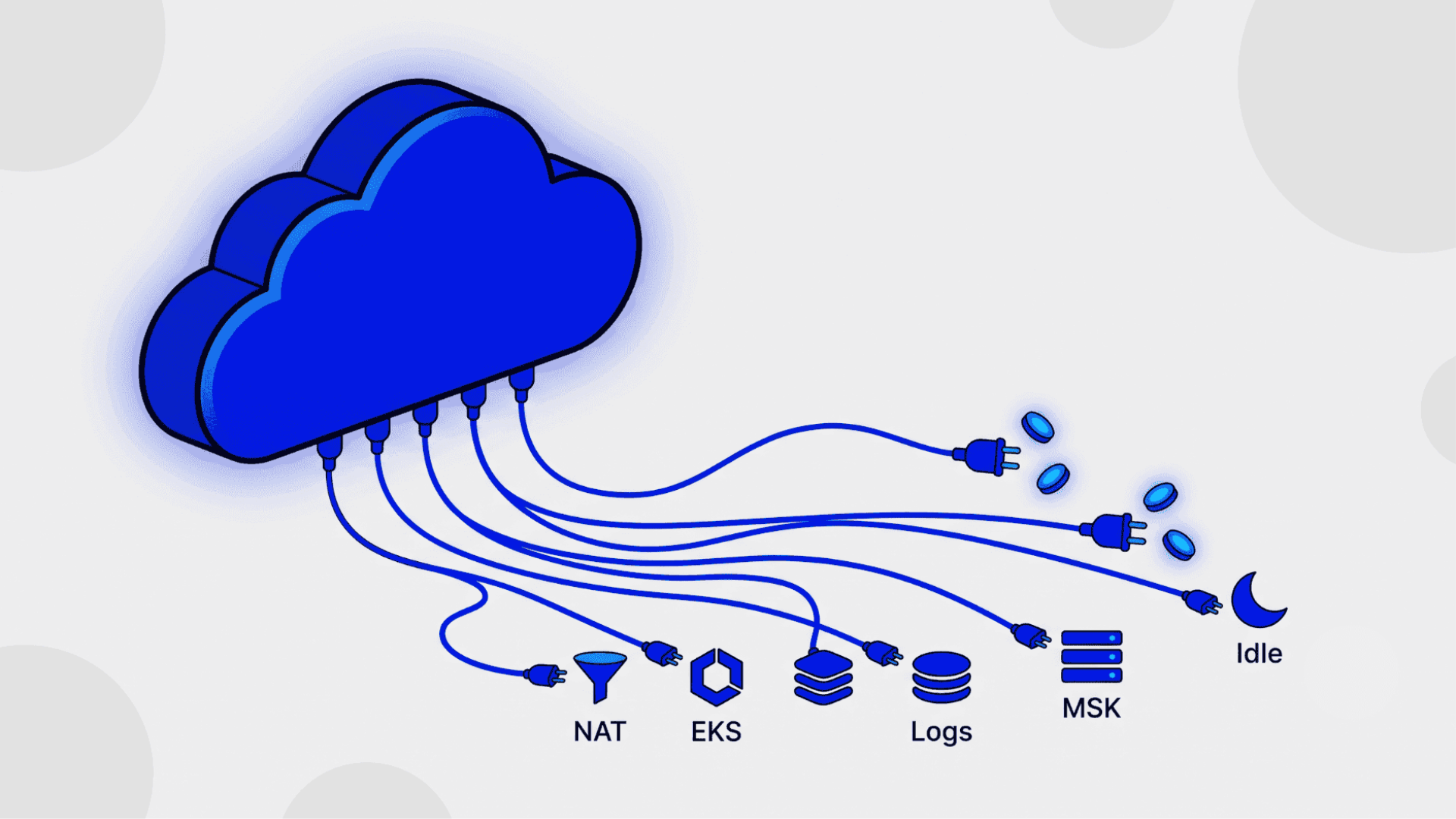
- The supporting services (API Gateway, CloudWatch Logs, NAT gateways) often cost more than the compute line itself, on both sides of the debate.
- Fargate carries roughly a 15 to 40 percent hourly premium over equivalent EC2, and typical cluster idle headroom cancels much of that premium out.
- Decide with four questions: traffic shape, cold-start tolerance, who runs your ops, and what sits around the compute.
Lambda charges for execution and Fargate charges for provisioning, and that single difference drives every number in this post. Lambda bills $0.20 per million requests plus $0.0000166667 per GB-second of execution time on x86, with a permanent free tier of one million requests and 400,000 GB-seconds a month (AWS Lambda pricing, 2026). Fargate bills $0.04048 per vCPU-hour and $0.004445 per GB-hour for every second a Linux/x86 task is running, working or not, with a one-minute minimum (AWS Fargate pricing, 2026).
The reflex is to compare the headline numbers directly, and they aren’t comparable. One is a price for work done; the other is a price for capacity held.
Lambda   (us-east-1, x86, on-demand, Jul 2026)
  requests   $0.20 per 1M
  duration   $0.0000166667 per GB-second
  free tier  1M requests + 400,000 GB-seconds per month

Fargate  (us-east-1, Linux/x86, on-demand, Jul 2026)
  vCPU       $0.04048 per vCPU-hour
  memory     $0.004445 per GB-hour
  storage    20 GB ephemeral included per task
Two footnotes matter on both sides. Arm pricing is about 20 percent lower for Lambda and for Fargate, and it’s the cheapest change most teams never make. And Lambda’s memory setting also controls CPU: at 1,769 MB you get one full vCPU, which is the fact that makes an apples-to-apples capacity comparison possible in the next section.
One more change worth knowing before you model anything: since 2025, AWS also bills the initialization phase of a cold start, which used to ride along mostly free. For lightweight Node or Python functions it barely registers. For JVM and .NET functions with heavy dependency trees, it turns every cold start into a small recurring line item, and it nudges the economics of chatty, rarely-warm functions in the container direction.
Where’s the line? The rate cards stop being the story once the request path around the compute enters the picture. If your comparison spreadsheet has only Lambda and Fargate rows in it, it’s not a comparison yet. That’s the third section.
Lambda stops being cheap when your traffic stops being spiky. Here’s the arithmetic on the published rates for a typical small API function, 512 MB of memory and a 200 ms average duration, next to the smallest always-on Fargate task that could plausibly serve the same load.
Lambda, 512 MB, 200 ms average, x86
  per call    0.5 GB x 0.2 s = 0.1 GB-s
              0.1 x $0.0000166667 + $0.0000002  = ~$0.0000019
  10M calls   ~ $18.70 per month

Fargate, one task, 0.5 vCPU / 1 GB, running 24/7
  vCPU        0.5 x $0.04048  x 730 h = $14.78
  memory      1.0 x $0.004445 x 730 h =  $3.24
  total       ~ $18.02 per month
Ten million requests a month sounds like a lot. It’s an average of under four requests per second, a load one small container handles without noticing. At that point the two bills already match, and every additional request makes Lambda more expensive while the container’s price stays flat. Is your “cheap” function really cheap, or is it just early?
[UNIQUE INSIGHT] The premium ladder framing (EC2 < Fargate < Lambda per fully-utilized unit, inverting as duty cycle drops) and the ~50% duty-cycle break-even are derived here from the published rate cards rather than quoted from a vendor comparison. –>
There’s a cleaner way to see it. Using the 1,769 MB equals one vCPU equivalence, an hour of fully busy Lambda capacity costs about $0.106, while a Fargate task with one vCPU and 2 GB costs about $0.049 an hour. Fully utilized, Lambda is roughly twice the price of the equivalent container. Since Lambda only bills while executing, the break-even sits near the halfway mark: if your service does real work less than roughly half the time, Lambda’s model wins on raw compute; above that, the always-on task wins. It’s the same cost-per-unit discipline I argued for when comparing an LLM call to a SQL query: price the unit of work, not the brochure.
Pricing the unit of work → Blog 3: The Real Cost of an LLM Call vs a SQL Query] –>
Think of it as a premium ladder. Per unit of fully used compute, EC2 is cheapest, Fargate sits above it, and Lambda sits on top. Each rung buys you out of a layer of management. The ladder inverts as utilization falls, because the lower rungs keep billing you for capacity that’s serving nobody.
Before you flee Lambda over this math, tune it, because Lambda has a counterintuitive lever hiding in plain sight. Memory and CPU scale together, so a function at 512 MB often finishes several times faster than the same code at 128 MB and costs nearly the same per run. Sounds backwards, doesn’t it? Published 2026 analyses report total cost reductions of 30 to 40 percent from memory tuning alone (LeanOps, “AWS Lambda Pricing 2026”, 2026). Run a power-tuning pass before any migration decision; a mis-sized function makes every comparison in this post lie to you.
Where’s the line? The break-even arithmetic assumes your container can be sized for average load. If traffic spikes a hundredfold for ten minutes a day, the container has to be provisioned (or autoscaled, with lag) for the peak, and Lambda’s instant per-request scaling claws the advantage back. Duty cycle decides the steady state; burst shape decides the exceptions.
Because the Lambda line item is rarely the biggest line item. The compute is priced honestly; the request path around it is where the estimate goes wrong. One 2026 cost analysis found supporting services routinely making up 50 to 80 percent of a serverless workload’s total bill (LeanOps, “AWS Lambda Pricing 2026”, 2026), and that matches what I keep finding in real accounts.
The usual suspects, at published AWS rates: API Gateway at $1.00 per million requests for HTTP APIs and $3.50 per million for REST APIs, CloudWatch Logs ingestion starting at $0.50 per GB, and NAT gateways at $0.045 per hour plus $0.045 per GB of data processed for VPC-attached functions calling the outside world.
[PERSONAL EXPERIENCE] VPC-attached Lambda fleet where NAT data processing exceeded the function compute line; the fix was VPC endpoints, not function tuning.
I’ve reviewed an account where a VPC-attached function fleet pushed enough traffic through a NAT gateway that the data processing charge quietly outgrew the Lambda compute charge itself. Nobody had budgeted it, because nobody thought of the NAT gateway as part of the serverless bill. VPC endpoints for S3 and DynamoDB removed most of it in an afternoon. The same blind spot shows up with logging: a chatty function at ten million invocations can generate tens of gigabytes of CloudWatch ingestion a month before anyone sets a retention policy. Where does your request path actually spend its money? Most teams can’t answer until the invoice does.
The database version of this blind spot → Blog 5: Database Choices That Quietly Kill Your AWS Bill] –>
Provisioned concurrency deserves its own warning. It exists to remove cold starts, and it does, by billing you for pre-warmed capacity around the clock. That’s renting a server with extra steps. The moment provisioned concurrency becomes a large share of your Lambda bill, you’ve rebuilt the always-on cost model you chose serverless to avoid, at a higher rate.
Where’s the line? Containers carry their own overhead: an application load balancer runs on the order of twenty dollars a month before traffic charges, a NAT gateway similar, and an EKS control plane adds $0.10 an hour, about $73 a month per cluster, before a single pod runs (AWS EKS pricing, 2026). The difference is shape, not existence. Container overhead is mostly flat and predictable; serverless overhead scales with traffic, which is exactly why it surprises people.
Per hour, no. Comparisons of equivalent vCPU and memory put Fargate at roughly a 16 percent premium over compute-optimized instances like c5.xlarge and closer to 40 percent over burstable general-purpose instances (Vantage, “AWS Fargate Pricing Explained”, 2024). If you’re comparing rate cards, EC2 wins, and it’s not close on the burstable end.
But nobody runs a cluster at 100 percent. Real EC2 and self-managed ECS clusters hold headroom for spikes and deployment churn, and once a cluster idles at 60 to 70 percent utilization, the effective price per used unit rises to meet or pass the Fargate rate. The premium buys you out of capacity planning, AMI patching, and bin-packing arguments. Whether that’s worth 16 to 40 percent depends entirely on whether someone on your team was going to do that work well anyway.
Two levers move the Fargate number substantially before any architecture changes. Fargate Spot runs interrupt-tolerant tasks at up to 70 percent off, and Compute Savings Plans apply one commitment across EC2, Fargate, and Lambda, with AWS documenting up to 17 percent off Lambda and larger reductions on Fargate for one and three year terms (AWS pricing pages, 2026). For steady workloads, a Savings Plan is the safest first move on either side of this debate.
And if you already run containers, the largest avoidable cost usually isn’t production at all. It’s the dev and staging fleet running around the clock. A week has 168 hours and most teams touch non-production environments for maybe 40 of them, which means those tasks spend roughly three quarters of their lives billing for nobody. Scheduling non-prod environments to business hours routinely cuts their compute spend by well over half, and stacking Fargate Spot on top takes another large bite. No architecture change, no migration, just a stop and start on a timer.
Where’s the line? At large, steady scale with a real platform team, self-managed capacity wins again. The Fargate premium is a fee for not having that team. Once you have one, and once your baseline is measured in dozens of steady vCPUs, the fee stops earning its keep. The orchestration choice underneath this deserves its own post, and it’s coming later in this run.
The orchestration decision → Blog 24: ECS vs EKS vs Fargate: The Container Orchestration Decision.
The bill is the smaller half of the comparison. The larger half is paid in engineering time, and it lands on different teams depending on which model you pick.
Serverless charges you in cold starts and workarounds. Latency-sensitive endpoints grow provisioned concurrency. Long-running jobs get chopped to fit the execution ceiling. Local development becomes emulation. Each workaround is small; together they’re a tax on every feature that doesn’t fit the event-shaped mold. Containers charge you in operations instead: base image patching, orchestrator upgrades, autoscaling policies that need tuning, and an on-call rotation that now includes infrastructure. Which tax is cheaper? The one your team already knows how to pay.
[PERSONAL EXPERIENCE] Migration decision where identical monthly bills hid very different engineering costs; the deciding factor was which failure modes the team could debug at 2am.
I’ve watched a team agonize between two designs whose projected AWS bills differed by under ten percent, which is well inside the error bars of any traffic forecast. The real difference was that one design’s 2am failure modes were ones they’d debugged before. They picked that one, and eighteen months on, the bill is fine and so is the on-call rotation. The invoice never captured the thing that mattered.
Where’s the line? Engineering-cost arguments can excuse anything, including a genuinely wasteful bill. They earn their place after the arithmetic, not instead of it. Run the duty-cycle math first; then let team capability break the tie.
Four questions settle most cases, and they’re answerable from data you already have.
1. What does your traffic look like across a full day? Pull the request graph. If it’s spiky, bursty, or near zero for long stretches, per-execution pricing is working for you. If it’s a steady band, you’re paying Lambda’s premium around the clock for elasticity you don’t use.
2. What’s your duty cycle in compute terms? Estimate aggregate GB-seconds per month and divide by what an always-on task of equivalent capacity would provide. Under roughly half, Lambda wins on raw compute. Over it, containers do. This one question replaces most of the debate.
3. Who is doing the ops? No platform team and no appetite for one points to Lambda, or Fargate if your workloads don’t fit functions. A capable platform team at steady scale points toward containers, and eventually toward managed capacity on EC2 underneath them.
4. What sits around the compute? Price the whole request path: API Gateway or ALB, NAT or VPC endpoints, log ingestion and retention. The supporting cast decides more bills than the compute line does, so caching and read-path choices belong in the same spreadsheet.
Sizing the read path → Blog 11: Read Replicas vs Caching vs Both: The Decision Matrix
Read the answers together, not separately. Spiky traffic, low duty cycle, thin ops bench: serverless, and spend your care on the supporting services. Steady traffic, high duty cycle, real platform capability: containers, and buy a Savings Plan on day one. Mixed estates are normal; most mature accounts I see run both, deliberately.
The practical default: let each workload’s traffic shape pick its billing model. Spiky, event-shaped, often-idle work belongs on Lambda. Steady, always-busy services belong in containers, on Fargate while your scale is modest and your team is small, on managed EC2 capacity when both grow. And on either path, price the full request path, because the supporting services are where honest estimates go to die.
Getting it wrong has a signature on each side. The serverless version is a bill that scales linearly with success, plus a provisioned concurrency line that quietly rebuilds the server you left. The container version is a fleet of tasks burning 76 percent of their lives serving nobody through nights and weekends. Both failures come from choosing the model on ideology and never re-checking it against a request graph.
So run the arithmetic in this post against your own numbers. That’s the whole trick. The comparison only stays dishonest while nobody opens the rate card, and now you have: that’s the honest cost comparison, and it fits on one page.
It depends on duty cycle. Lambda bills only while code executes, so spiky or idle-heavy workloads cost far less than an always-on container. At steady traffic, a provisioned Fargate task delivers equivalent compute for roughly half Lambda’s effective rate. Neither model is cheaper in every case, and traffic shape decides.
Fargate wins when a service does real work for a large share of the day. At published us-east-1 rates, fully utilized Lambda capacity costs roughly twice the equivalent Fargate task, so once utilization passes roughly the halfway mark, the always-on container becomes the cheaper option on raw compute.
API Gateway request charges, CloudWatch Logs ingestion, and NAT gateway data processing regularly exceed the Lambda line itself. Published cost analyses report supporting services making up half to four fifths of typical serverless bills, so estimate the full request path rather than function compute alone before committing.
Per hour, yes. Comparisons of equivalent vCPU and memory show Fargate charging roughly a 15 to 40 percent premium over on-demand EC2. The premium buys freedom from capacity planning and patching, and it narrows sharply once you count the idle headroom typical EC2 clusters carry.
Yes. Compute Savings Plans apply one commitment across EC2, Fargate, and Lambda. AWS documents discounts of up to 17 percent on Lambda duration charges and larger reductions on Fargate for one or three year terms, which makes a Savings Plan the safest first cost lever for steady workloads.

Hi, I am Naveen Chandra, a Cloud Engineer and Web Developer. I work with companies that take their technology seriously and want a long-term partner, not a short-term contractor. From AWS infrastructure and DevOps automation to full-stack web platforms and React Native apps, I focus on systems that compound in value over years rather than projects that end in weeks.
Every serverless versus containers debate I've sat through eventually reaches the same sentence: "but Lambda is basically free." Someone says...
Most AWS bill reviews I’ve sat through follow the same script. The room spends forty minutes arguing about EC2 instance...